


Rado is known for its high-tech ceramic wristbands, which are skin-friendly, solidly made and innovative in the world of link-band watches. The durable and versatile Rado Jubile wristwatches have chronograph movements and ceramic wristbands. The adjustment links on Rado Jubile wristbands are joined together with small connecting pins. There is no need to pay a professional to remove the pins if you can obtain a pin pusher and a pair of pliers.
Find the link closest to the clasp. There is one dark-gray pin on the side of this link. There are small arrows embedded on the inside of the watch bracelet. The arrows indicate the direction in which the pin needs to be pushed out.
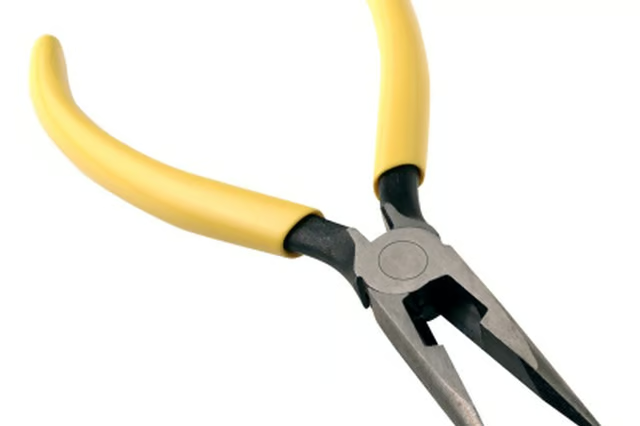
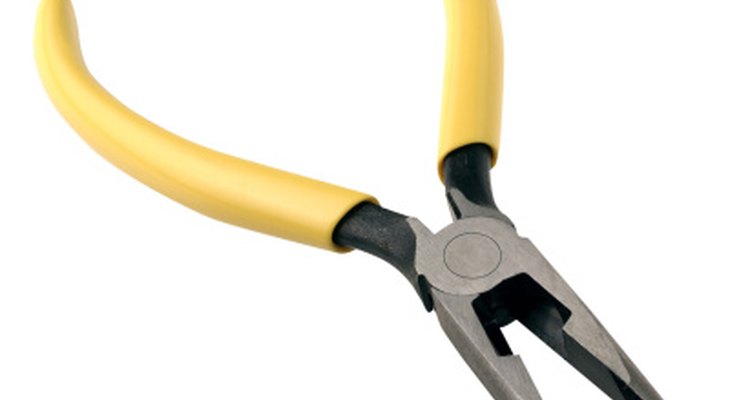
Hold the link with a pair of pliers, making sure the pin is facing up.
Align the pin pusher with the gray pin. Gently tap the pin pusher with a small hammer until the link slides out. When you can see the pin sticking out of the other end, use the pliers to pull the pin all the way out.
Remove the loose-fit pin that is holding the inner links together using the same process described in the above step. Remove the number of links needed for the band to fit your wrist. Replace the loose-fit pin by pressing it back into place using the push pin.
Replace the outer link, align it with the inner link and replace the gray pin using the pin pusher.