
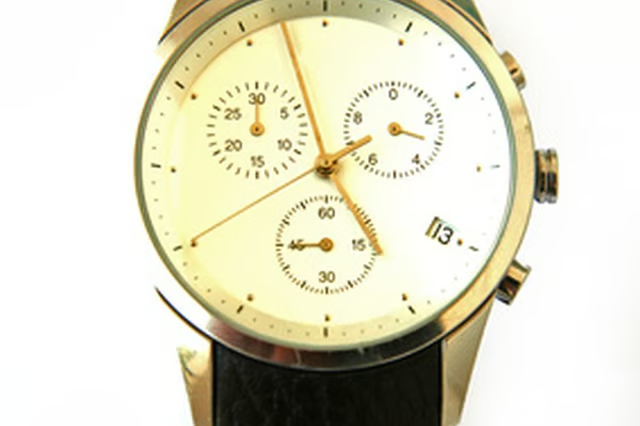
Having a watch that doesn't keep time can be frustrating. Let's face it, no matter how fabulous or expensive the watch is, a watch that does not work is nothing more than cheap jewelry. So, although the importance of restarting a quartz watch may not be great in the grand scheme of things, it directly relates to the value of the watch. It is easy to get a stopped quartz watch restarted in a short time without losing the value of your investment.
Lay the watch face-down on a soft towel to protect the glass on the front of the watch. Pull out fully the crown, the piece that sticks out the side of the watch that is used to set the watch, so the mechanisms will disengage.
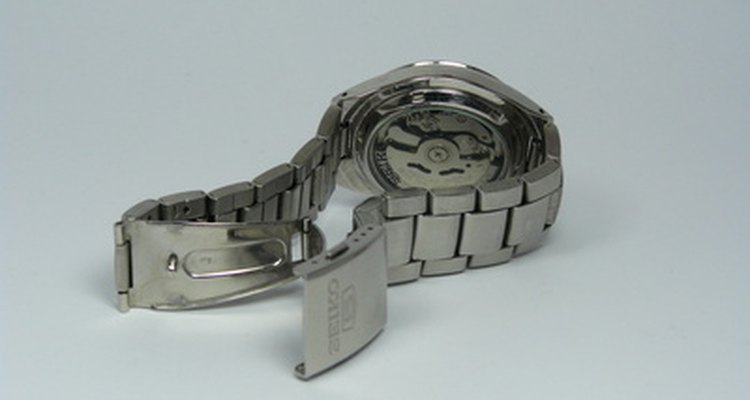
Remove the back plate on the watch using a small flat-head screwdriver. Be careful not to scratch the surface of the watch. Slide the tip under the lip of the back and apply a prying pressure.
Locate the battery and note which side is up. The new battery must be inserted in the same direction. If the battery is held in by a spring, use tweezers to move the spring out of the way and remove the battery. If it held in with a clip, remove the screws holding the clip and remove the battery.
Insert the new battery with the same side up as the battery removed and reverse the procedures to put the watch back together.
Set the proper time and push the crown all the way back in to restart the quartz watch.