


Casio’s Sea-Pathfinder series of watches contain many useful features for the outdoor enthusiast. The SPF-40 offers features such as a digital compass, a thermometer, a barometer, tide graphs and a lunar schedule. To provide reliable functionality for its users, the SPF-40 is water resistant for 100 meters and cold resistant down to (-10) degrees Celsius. The SPF-40 has four batteries that can last from 18 to 24 months. You can replace these batteries with some basic tools. After replacing the batteries, the watch will not be as water resistant as it once was, but will stay dry for light water-contact situations.
Place the watch face down on a clean cloth or rubber mat. Unscrew the four small screws holding the watch case back in place counter-clockwise using the Phillips screwdriver. Place the four small screws aside on the clean cloth.
Remove the watch case back. Lift the SPF-40’s case back off slowly. Small springs are held in place by the case back. Note the position of these springs when you remove them. Lay them aside on the clean cloth.
Remove the batteries. The two inner batteries are held in place with one metal spring clip. Use the plastic tweezers to remove this clip and remove the batteries underneath. Place the clip on the clean cloth. The two outer batteries are held in place by two different metal clips. Lift each clip up with the plastic tweezers and slip out the batteries underneath.
Change the batteries. Insert the four batteries into the four open holders with the plastic tweezers. Replace the metal clip for the inner two batteries by inserting it over the batteries with the plastic tweezers.
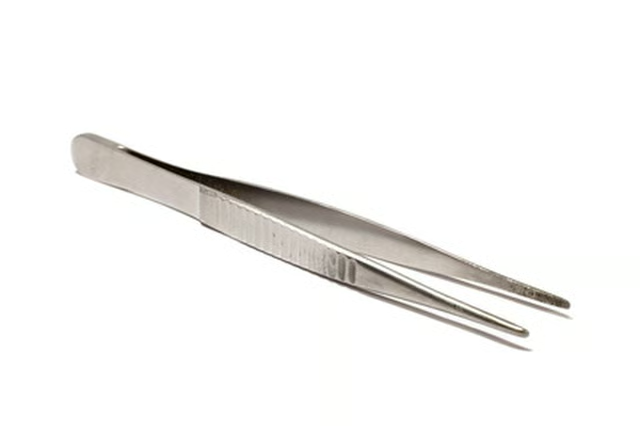
Reset the watch. After replacing batteries on a Casio Sea-Pathfinder SPF-40 watch, the circuit must be reset. To do this, locate the four golden metal contacts near the batteries. Touch one end of your metal tweezers to the biggest of the four contacts and touch the other end of the metal tweezers to the backside of one of the new batteries. Hold the tweezers in this position for two seconds.
Reseal the gasket. Remove the rubber o-ring from the watch case. This is the watch’s water resistant gasket. Rub a thin layer of silicone grease over the gasket and replace it in its track.
Close the watch case. Insert the metal springs back into their positions with the plastic tweezers. Replace the watch case back. Align the watch case back so the gasket is positioned correctly and firmly held in place. Insert the four watch back screws and tighten them clockwise with the Phillips screwdriver.