


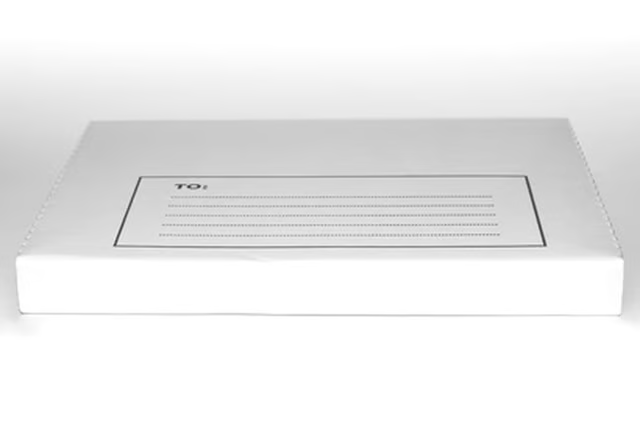
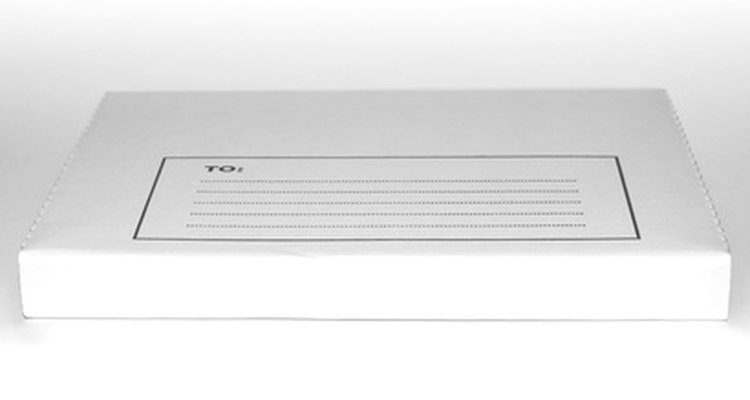
Sending photos through the mail is a convenient, personal way of giving someone a quality photograph, and is often preferable to sending digital files the recipient has to print herself. The challenge comes in ensuring that the photos arrive undamaged, despite the dangers of bending, wrinkling, moisture and excessive heat. Safe shipping of photos requires careful packaging. The post office offers photo mailers made of chipboard, a lightweight cardboard. You can also make sturdy photo mailers at home out of common materials.
Mail Photos in Photo Mailers
Step 1
Measure the largest photo and make a note of its size.
Step 2
Buy a photo mailer that's large enough for the photos. Post offices, the USPS website, stationery and variety stores all offer photo mailers.
Step 3
Center the photos on a plain white piece of paper and fold the paper over them. For larger photos, place a second sheet of paper over the printed side of the top photo.
Step 4
Create a computer printout or handwritten sheet with the recipient's address and your return address. This insert is known as an "inside address."
Step 5
Tape the inside address to the paper containing the photos, so they will still be deliverable if the package gets damaged and the outside address becomes illegible.
Step 6
Address the photo mailer in neat printing. Place the photos in the mailer.
Step 7
Take the photo mailer to the post office and have a clerk weigh it, or use a postal scale. Be sure to buy sufficient postage for the photos to reach the recipient.
Create Photo Protectors
Step 1
Use a ruler to draw a square or rectangle on a sheet of stiff cardboard, measuring 1/4-inch larger than the largest photo. For example, if you're sending 5 x 7 photos, draw a rectangle measuring 5-1/4 x 7-1/4 inches on the cardboard.
Step 2
Cut out the rectangle. Place it on another sheet of cardboard and trace around it to draw a matching rectangle. Cut out the second rectangle.
Step 3
Center the photos between the cardboard rectangles. Tape the rectangles with a strip of tape on each edge.
Step 4
Create an inside address sheet, and tape it to the cardboard photo protector.
Step 5
Follow Steps 6 and 7 from Section 1, using a padded or regular envelope. Tape the envelope flap to secure it.